Baby, it’s not cold outside


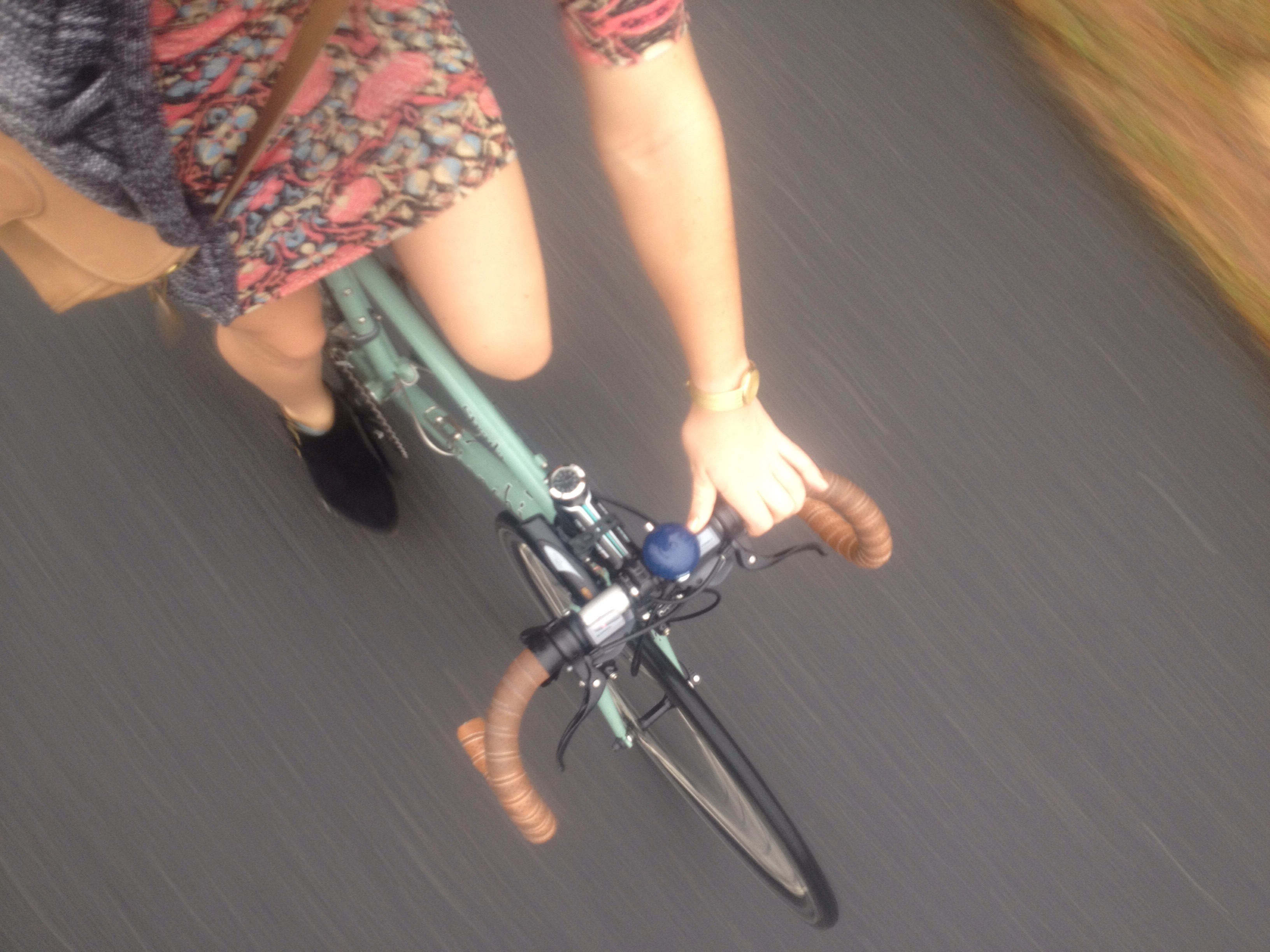
As with the rest of the country, South Carolina has had bizarre weather this week. I couldn’t resist throwing on a dress and boots (and shorts!) for a pre-Christmas grocery run before heading out of town. 

I’ll post more about riding in different weather, especially in January when things get interesting (at least for Southerners, who tend to forget what being cold feels like). But riding year round is really just a matter of preparation and attitude. Preparation (aka the right gear) will minimize swearing; a good attitude will let you laugh at yourself, embrace the situation, and most of all fully appreciate the good weather days.  

Baby, it’s not cold outside

Some pointers on car rentals

This Christmas I’ll be renting a car for the third time since selling mine back in March. I had pretty much no idea what to expect, and I’m definitely still learning the ins and outs. I rent a car to go out of town for events and weddings (if no one else is already going that way), and hitch a ride with friends or venture out on my road bike to go exploring on weekends.

My first car rental was with Hertz and as I recall I spent about $200 for a weekend including gas, taxes and insurance on a small sedan. My credit card offers secondary insurance on car rentals, but car rental places typically assume that you have some sort of primary insurance so it’s good to make sure if you’re carfree that you’re actually covered in the event of an accident). I rode my bike to the downtown location, picked it up, popped off my front wheel and drove off with my bike practically in the passenger seat next to me (eensy weensy car).

The only issue with Hertz was that the car I got smelled like stale cigarettes (despite no smoking stickers all over the interior and windows), so when September rolled around and I had a wedding to go to, I decided to check with Enterprise.

Enterprise had similar rates, but also a location close to my work (I left straight from work on a Friday), they have a rewards points program, the location I went to was much better maintained and best of all, the car did not make me want to stick my head out the window as I drove.

This week, I’m driving just one way to the coast since I have a ride back home, and I had heard that one-way trips are often much more expensive so I was nervous. A brief look online showed me that if I picked up at an airport location and returned to another airport location, I could expect (in my particular case) to pay about $105 (all but gas included). In contrast, if I picked up near my  home downtown and dropped off in town at my destination, I was quoted $110 just for the relocation fee for going one-way. Then I called the airport Enterprise, where I was quoted $110 and they recommended calling the national 1-800 number for Enterprise because that is “almost always the best rate” (counter to what you might do for a hotel reservation).

So, my advice in the shell of a nut:

  1. Check rates to/from local airports. If you have a friend who can drop you off or can take public transit to the airport, you can probably get a better deal, especially if you are going one way instead of round trip.
  2. Call 1-800-RENT-A-CAR for a quote from Enterprise, and get several quotes. Different companies use various algorithms and price charts, so depending on your travel plans you may get quoted different rates on different dates and locations.
  3. Call your credit card company if you’re not sure if they cover car rental insurance (if you don’t have primary auto insurance, make sure they know that). Most major credit cards offer a lot of perks that you may not even know about.
  4. Make friends who travel a good bit. I’m kidding, but only kind of. I much prefer to travel with someone else and I’m always happy to cover their gas because hey, I didn’t have to rent a car! I’ve saved myself several instances of having to rent a car just by asking around and being flexible with my travel plans.


[*This post is not sponsored or endorsed in any way by Enterprise, I’m just pleased with them thus far in my short experience renting cars]

Some pointers on car rentals

A recent conversation

“Gas prices where I live have gotten insanely cheap, I can’t believe it!”

“Yeah! The last I saw here in South Carolina was $1.65!”

“$1.65? That’s crazy!!”

“Oh wait do I have that right? Maybe I mean 2.65. When I say 1.65, that doesn’t sound right. Uh, yeah.. I have no idea.”

“Well here in Phoenix we pay $1.80…”

“Oh ok then yeah. $1.65.  Yeah, that’s it.”


… I’ll let you guess which half of that conversation was me.

#clueless

#carfree

#carefree


A recent conversation

Packages, boxes in bags


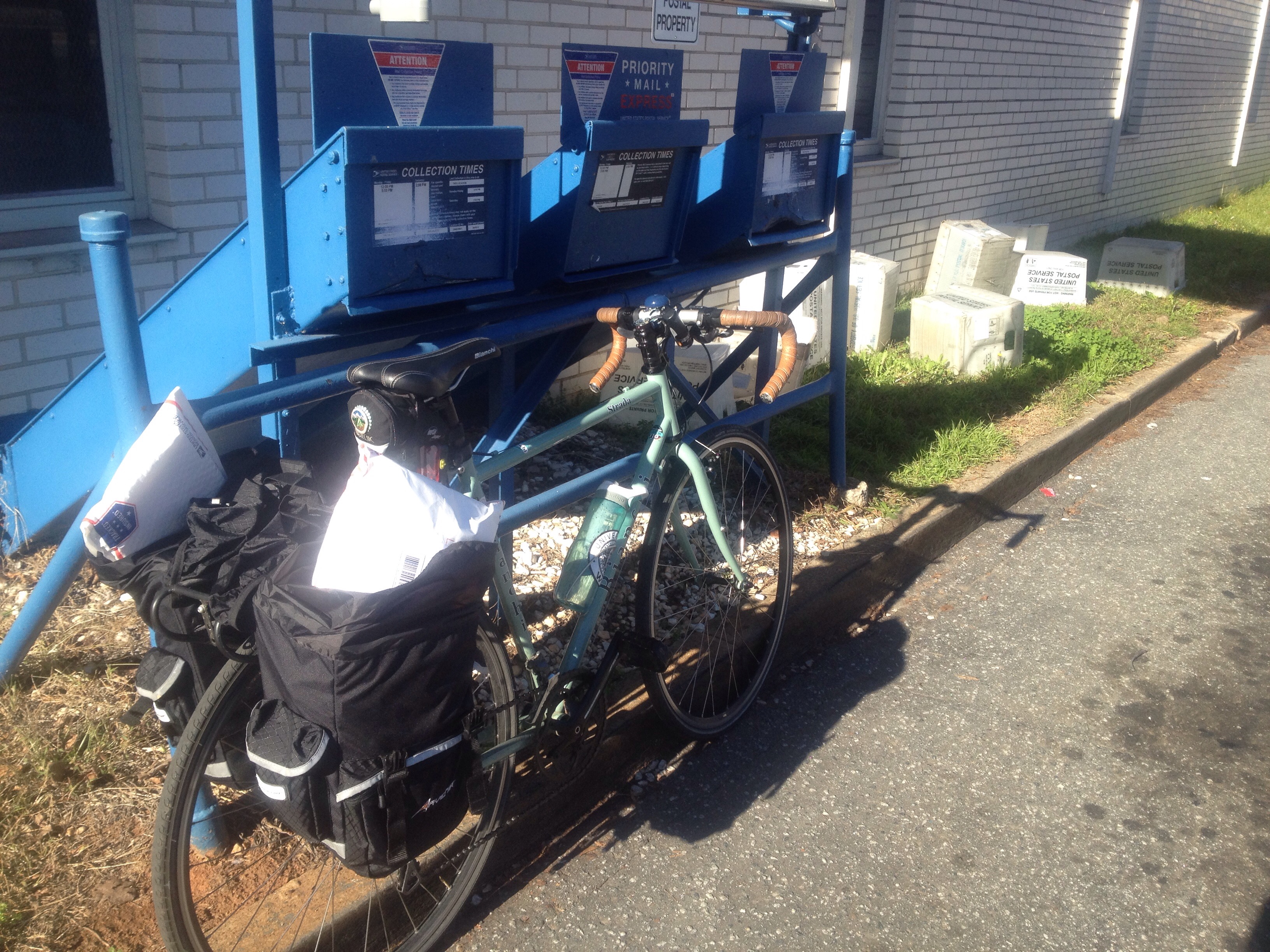
Terrible quality photo, but I didn’t want to be a total jerk and block the dropoff lane with less than a week to go until Christmas. All you need is a couple of panniers for your package mailing and other holiday errand needs: one pannier held 5 packages to mail, the other held a whole roll of spare camping linens to donate. The backseat of your car is more portable than you think!

Packages, boxes in bags

Favorite Commuting Apps

  1. Google Play (free)

    I was going to recommend the Songza app, but they just merged with Google Play. I’m slightly less enthusiastic now given the easy navigation that Songza had, but they still have great playlists and I’m definitely converted from Pandora, which had far more obnoxious and frequent ads. There are rare 5 second (then you can skip) ads on Google Play, you choose a playlist by your mood or a favorite artist, and you’re good to go. I also find it tends to stream more easily than Pandora did. I don’t endorse headphones while riding, but if that’s your personal choice, you should definitely try out Google Play.
    (At least until they decide to start charging for it. I still remember the days when Hulu was free..)

  2. Dark Sky ($3.99)

    I learned about this app from another bike commuter, and I love it for its handy visuals and detailed breakdown of impending precipitation/wind/temperature changes. Like any weather forecasting system, it’s not always 100% accurate. If you want to know if you should finish your errands or maybe stay at the library for another 10 minutes to avoid a shower that’s passing through, this app helps you do it. And yeah it costs money, but you probably have an iTunes gift card in a drawer somewhere, so instead of buying music (see aforementioned app) just buy this one.

  3. Udemy (free; in-app purchases)

    This is my most recently acquired app on this list, and I’ve only downloaded one class so far but I’m already impressed. You can browse Udemy.com for free or paid classes, download them for later or stream them on the go. Right now I’m listening to “How to Double Your Productivity by Tomorrow Morning” which I strongly recommend, especially for Type A people. It’s actually more about setting goals and getting what you want out of your life rather than just productivity, and definitely worth checking out (especially with a new year approaching). Some courses are more audio than visual so you don’t even have to stare at a screen as you stretch your brain. Great way to use your time on the bus (many of these courses would be difficult to focus on while driving in my opinion).

  4. Breathe (free; in-app purchases)

    I actually use this app more at home, but if you feel like unwinding at the end of your workday on your way home, this app is a fun and weirdly addicting way to do a mental/physical “check in”, hit the pause button in your day and do a quick meditation. I always feel far more relaxed and energized after using this app, plus it gives you badges when you get an achievement. So it’s like Candy Crush, but totally good for you. #yourewelcome

  5. Duolingo (free)

    Another reason your car sucks? I’ve always got more! If you want to learn another language, you have to listen to audio tracks that have you repeating the same phrases over and over. Duolingo is a free app that makes it into a fun game, plus you actually learn how to spell and conjugate, not just mimic what you hear. You can choose one from a long list of languages, or you can be indecisive and study Spanish, French and German at the same time. Is that just me? I’m a linguistics nerd, but this app is super fun for anyone.

  6. Overdrive (free)

    Check with your local library and ask what kind of online setup they have for audio and e-books. I listen to about 1 book a week on audio, mostly on my commute. Most libraries have some kind of setup for online access; my library uses Overdrive, and it’s fantastic. The only downside is that I feel guilty for not going to the actual library anymore, because the app is so stinking convenient.

  7. Poshmark (free)

    This is kind of related to commuting.. but also a blatant ploy to share my love of selling stuff that doesn’t fit me anymore since I started bike commuting. Oh, and my referral code. Which is HBRZO and will get you $10 to spend when you sign up (current promotion; normally $5).

    I really do adore this app though. I used to consign my like new/ name brand items with shops, but I might as well have donated them for the money I ended up getting. On Poshmark you get 80% of the sale price, and the buyer pays for a shipping label that ships anything up to 5 lbs so it is worth it if you’ve got stuff that you know in your heart really should not be sitting in your closet. It is time intensive however, so if you want to sell your stuff be prepared to put in the time to share listings regularly (it works like a social network in terms of exposure). I like to mindlessly share listings while listening to podcasts on the bus. Otherwise, it’s fun to shop for some sweet deals as well!

Favorite Commuting Apps